
How to Buy a Workshop Ticket for Stationery Fest
Workshop tickets for Stationery Fest are almost here and we want to make sure grabbing your spot is as smooth as possible. Here's a step-by-step walkthrough of exactly what to expect when tickets go live.
Workshop tickets are separate from general marketplace admission and to attend any workshop, you'll need a valid Stationery Fest marketplace ticket. The good news? It doesn't have to be for the same day as your workshop. Grab your marketplace ticket here →
Browse the Workshop Schedule
Head to the Workshop Schedule page on our website to explore everything we've got lined up. You can browse by day, topic, or instructor. Take your time, there's a lot of good stuff.
 click to enlarge
Find a Workshop You Love
Click into any workshop listing to read the full description, what you'll make, what's included, skill level, duration, and price. Once you've found one you want, make a note of the instructor's name. You'll use it to find your workshop on the tickets page in a moment.
 click to enlarge
Head to the Tickets Page
When you're ready to book, click the "Get Tickets" button. This will take you to our ticketing page on ARTSVP, where all workshops are listed together in one place.
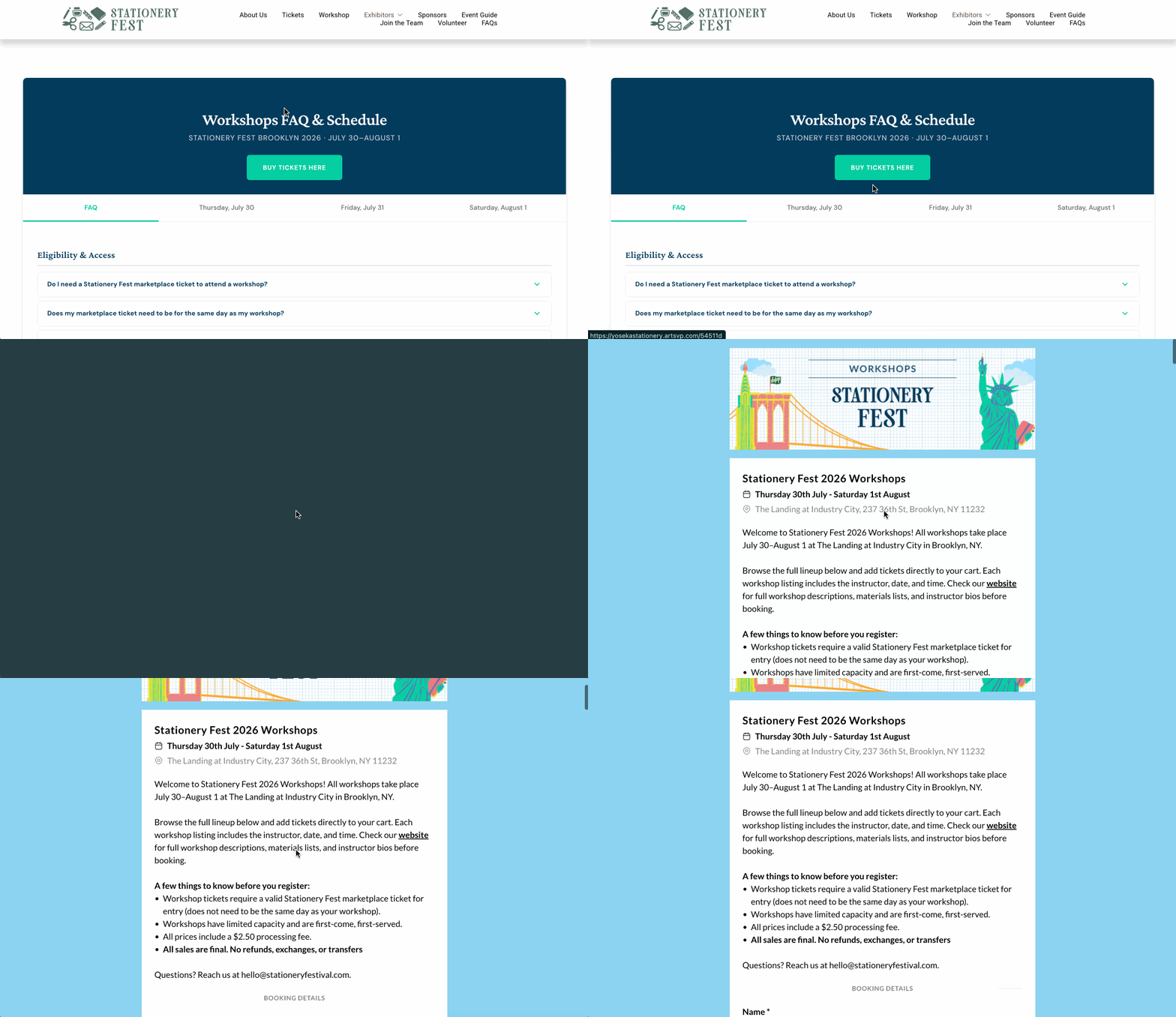 click to enlarge
Find Your Workshop on the Page
All workshops live on one page. Use your browser's built-in search to jump straight to yours. Search by instructor name (titles may appear slightly condensed here compared to our website, but instructor names are always the same).
 click to enlarge
Check the Date and Time — Then Hit + Button
Many workshops run multiple sessions across the weekend. Before you add a ticket, double-check the date and time listed directly beneath the workshop title. That line is your session. Make sure it's the one you want.
 click to enlarge
Once you're sure, click the "+" button to add one ticket to your order. Want multiple workshops? Keep scrolling and hit + on each session before heading to checkout.
 click to enlarge
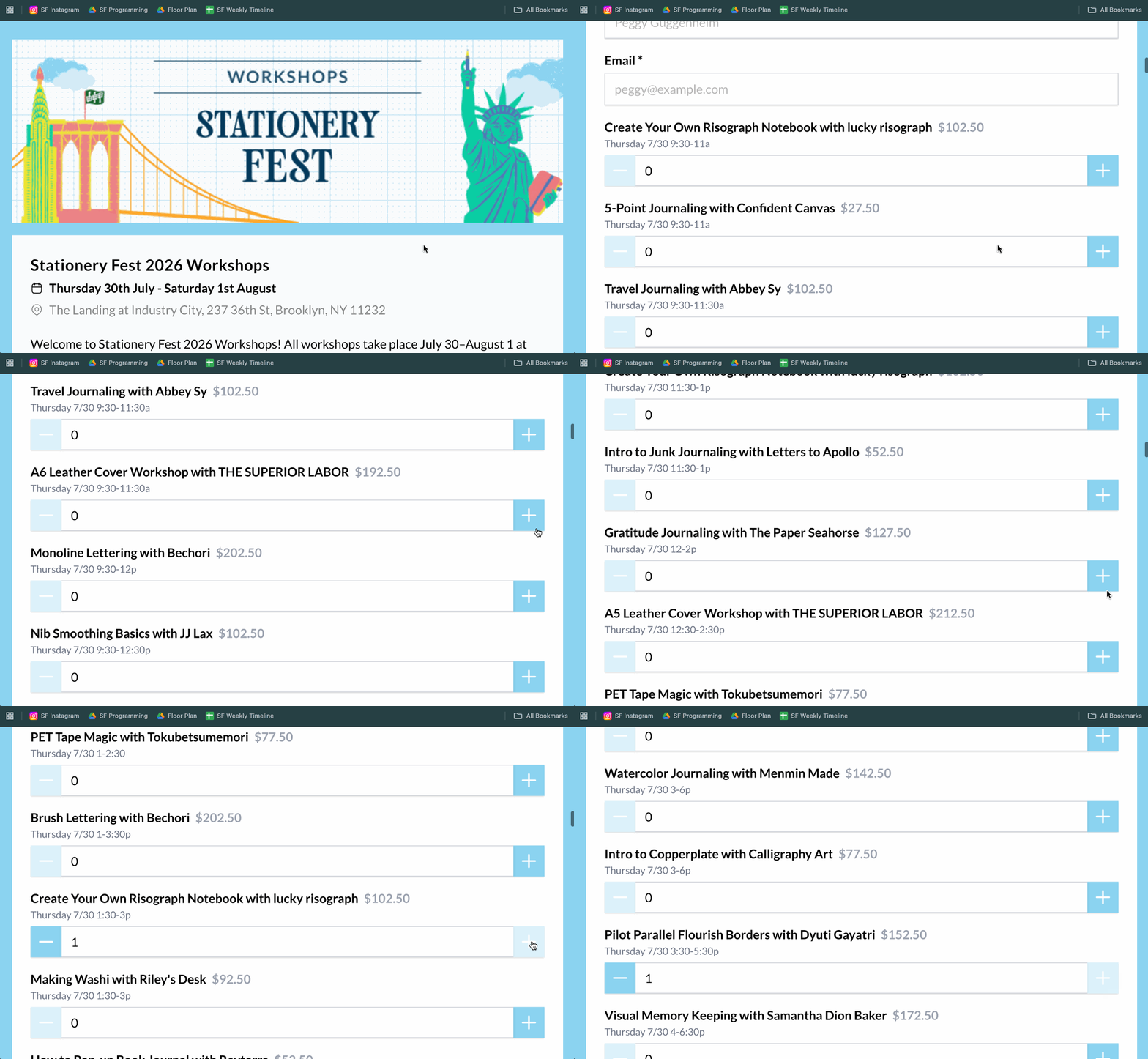 click to enlarge
Check Out
When you're ready, head to your cart and complete checkout. You'll enter your contact info and payment details.
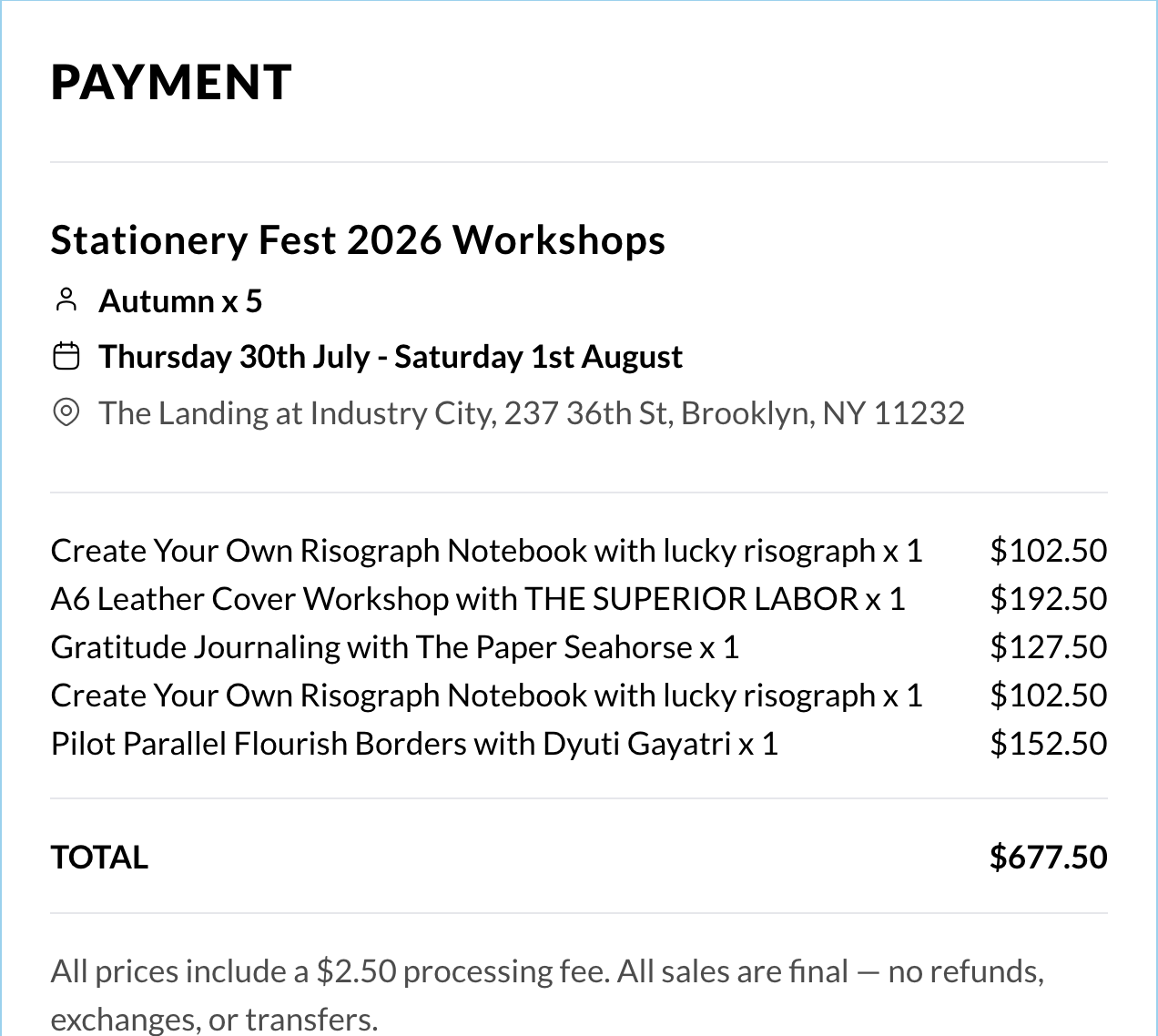 click to enlarge
Check Your Email for Confirmation and Your QR Code
Once your order goes through, you'll receive a confirmation email from ARTSVP with a QR code for each workshop you registered for. We'll scan these at the door on the day of your workshop. Make sure you can pull up the email on your phone or the tickets on your Apple/Google wallet.
Don't see it? Check your spam or promotions folder.
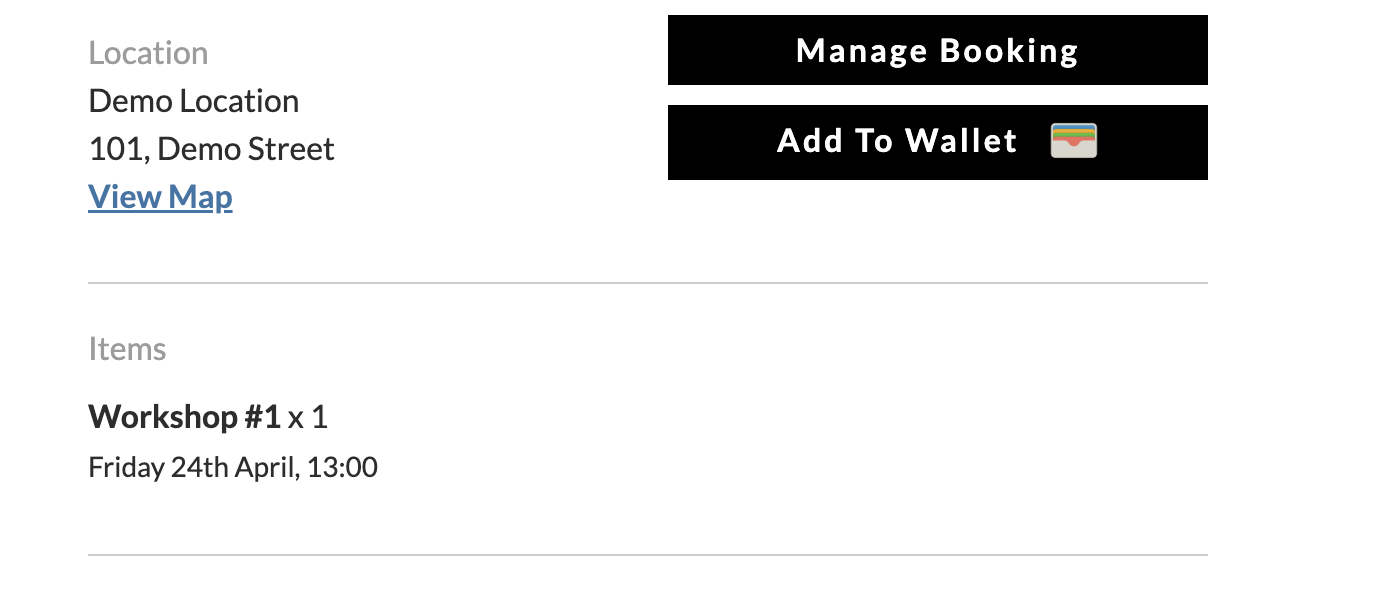 click to enlarge
- All workshop ticket sales are final. No refunds or exchanges. Choose a session you can commit to.
- You must have a marketplace ticket to attend. Don't forget to grab one if you haven't already.
- Seats are limited. Popular sessions fill up fast. Don't wait too long once tickets are live.
Questions? Reach us at hello@stationeryfestival.com
We can't wait to create with you this summer. See you in Brooklyn! 🖊️
